
What Is a Web Application? How It Differs from a Website
The internet is full of terminology and is often used interchangeably, even when it shouldn’t be. A website and a web application are terms that are often confused. They are somewhat related but ultimately describe different things.
By the end of this article, you’ll have a clear understanding of what a web application is and how it works, differing from traditional websites too.
What is a Web Application?
A web application is an interactive software program that runs inside your web browser. Unlike standard software that you download and install onto your computer, a web application lives on a remote server and is accessed via a URL, like any webpage.
The key difference is its interactivity. A web application doesn’t just show information but it has the ability to respond to your actions and processes your inputs in real time. A great example is Gmail. When you draft an email, hit send and watch it disappear to the sent folder, that’s a web application at work. It didn’t require you to install any software or download anything. You opened it within a browser and navigated to the URL.
How Does a Web Application Work?
You don’t need any computer science knowledge to understand how it works. A web application is built using HTML, CSS and Javascript.
Provides the structure. It defines what elements exist such as buttons, images, menus and text.
Handles the appearance. Think of colours, fonts, layouts, styles, spacing. It makes a web app look complete rather than being a plain page.
Brings it to life, it’s the programming language that runs within the browser to make a web application interactive.
Other than just a browser, there is also a server. When you log onto a web application, the browser sends a request to the remote server. It then processes the request and sends a response back.
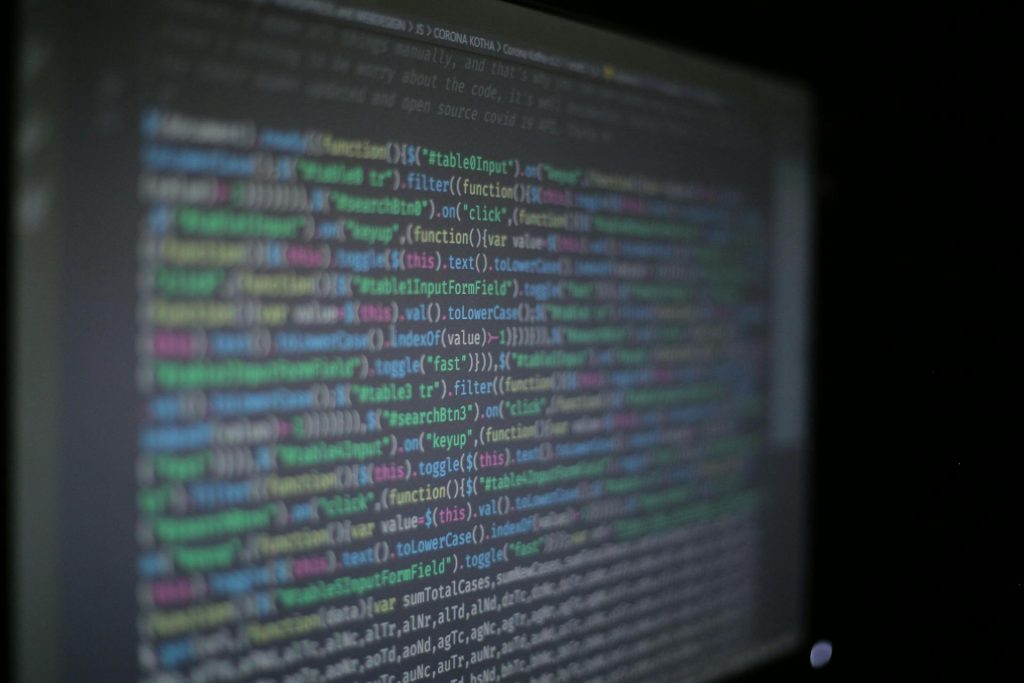
This back and forth happens in milliseconds, enabling a web app to feel quick and responsive. The set up is often referred to as two parts, the ‘front end’ is what you see in the browser and the ‘back end’ is all of the technical behind the scenes.
Web Application vs. Website: What’s the Difference?
Designed to deliver content to the reader. The visitor reads, watches or listens but the content is largely static and can appear the same to everyone who visits the site and won’t change based on user input. For example, a blog is a website. You load the page, read it and leave. The page doesn’t change based on your usage or preferences, it just serves the information.
This is built around user interaction and personalisation. It takes any input, processes it and responds. It is driven by data and every user gets a unique experience.
Here’s a simple way to think about it:
- A website tells you things.
- A web application does things for you.
Hosting a Web Application
One practical consideration worth touching on is hosting. A simple static website can be hosted relatively straightforwardly, it’s essentially just files sitting on a server waiting to be served.
A web application is more demanding. Because it involves a database of interactions, user authentication, and often real-time features, it requires more robust hosting infrastructure. You’ll typically need a hosting environment that supports your chosen back-end language (such as PHP, Python, or Node.js), and sufficient resources to handle concurrent users.
Choosing the right hosting provider is one of the more important decisions in getting a web application off the ground. Performance, reliability, scalability, and support all matter, particularly as your application grows and attracts more users. UK2 has a variety of hosting plans to suit your needs, website or web application.
Whether you’re a business owner exploring your digital options or simply a curious reader wanting to make sense of the internet, understanding this distinction gives you a clearer lens into the tools you use every day, and the ones you might use or build tomorrow.